
Building a high-performing team in today's complex work environment, whether in Canada or the United States, requires more than just shared goals. It demands a shared understanding of how you'll achieve them. This is where a team charter moves from a 'nice-to-have' document to an essential strategic tool.
A team charter is a foundational agreement that defines your team's purpose, roles, operating rhythms, and measures of success. It's designed to prevent the friction and misalignment that quietly derail projects and lower morale. While many teams create a charter and let it gather digital dust, the most effective organisations treat it as a living document. They understand that initial alignment is just the starting point.
This guide provides 12 exceptional team charter templates sourced from platforms like Miro, Smartsheet, and Notion, each tailored for different needs-from agile project teams to remote leadership groups. You will find direct links, screenshots, and practical analysis to help you select the perfect starting point for your unique situation.
More importantly, this listicle will show you how to transform this static document into a dynamic cultural asset. We'll explore how to continuously monitor its effectiveness using real-time employee feedback and business intelligence tools. By connecting the principles agreed upon in your charter to measurable signals and KPIs, you can ensure the alignment you create on day one is actually practiced and drives tangible business results.
1. Miro
Miro stands out as a leading platform for visual collaboration, making it an excellent resource for creating dynamic and interactive team charter templates. Instead of static documents, Miro offers an infinite digital whiteboard where teams can co-create their charter in real-time or asynchronously. This visual approach is particularly effective for remote and hybrid teams looking to build consensus and a shared understanding in an engaging way.
The platform’s strength lies in its extensive template gallery, which features a wide variety of pre-built charters, from simple frameworks to more complex canvases. You can start with a basic template and customise it with sticky notes, diagrams, and images, creating a living document that truly reflects your team's identity.
Why It's a Top Choice
Miro is ideal for teams that thrive on visual and collaborative work. The one-click “Use template” feature allows facilitators to get a workshop started in seconds. For newly-formed teams, this process can serve as the first collaborative project, setting a precedent for open communication and teamwork. This foundational work is crucial, as a well-defined charter can significantly improve overall workplace communication.
Key Benefit: Miro transforms the creation of a team charter from a static, administrative task into a dynamic, collaborative team-building exercise.
Implementation and Access
- Access: A Miro account is required to use and save templates. While a free plan is available with limited boards, advanced features like private boards and unlimited collaborators are part of paid subscriptions.
- User Experience: The interface is intuitive, with drag-and-drop functionality that makes it accessible even for non-technical users.
- Best For: Remote or hybrid teams, project kickoff workshops, and any team that prefers a visual, collaborative approach to documentation.
Website: Miro Team Charter Templates
2. Smartsheet
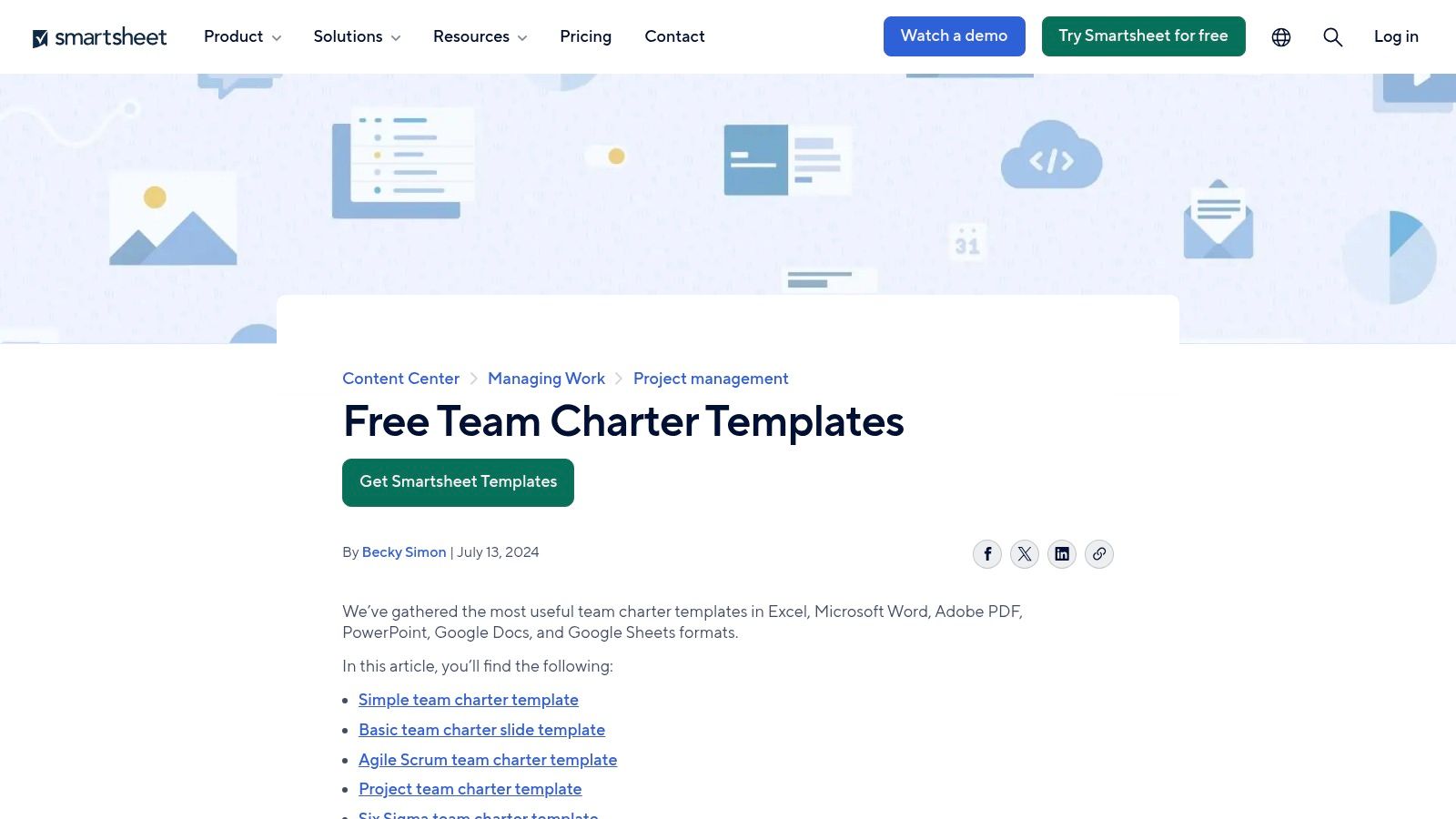
Smartsheet offers a more traditional, document-based approach by providing a collection of free, downloadable team charter templates. Instead of a collaborative digital canvas, Smartsheet focuses on providing structured files in familiar formats like Word, Excel, PDF, and Google Docs/Sheets. This makes it a practical choice for teams who need offline access or prefer to work within established document-editing software.
The platform's key advantage is its variety of specialised templates tailored to specific methodologies and industries. You can find pre-built charters for Agile/Scrum teams, Six Sigma projects, healthcare settings, and general project teams, each with distinct sections relevant to its use case. This allows teams to select a framework that is already aligned with their operational context.
Why It's a Top Choice
Smartsheet is the ideal resource for teams that need a straightforward, ready-to-use document without the requirement of signing up for a new platform. The availability of multiple formats provides flexibility, allowing a project manager to download a Word document and share it for asynchronous input via email or a shared drive. For example, a construction project team in a remote location with limited connectivity can use this offline document to establish clear site protocols.
Key Benefit: Smartsheet provides direct access to a diverse range of industry-specific and methodology-focused team charter templates in standard file formats, eliminating the need for new software or user accounts.
Implementation and Access
- Access: The templates are free to download directly from the website; no Smartsheet account or subscription is required.
- User Experience: The process is simple: navigate to the page, select the desired template and format, and click to download. The documents themselves are static and require manual editing.
- Best For: Teams needing physical or offline documents, organisations operating in specialised industries like healthcare or Six Sigma, and facilitators who prefer traditional document formats.
Website: Smartsheet Team Charter Templates
3. Atlassian Confluence
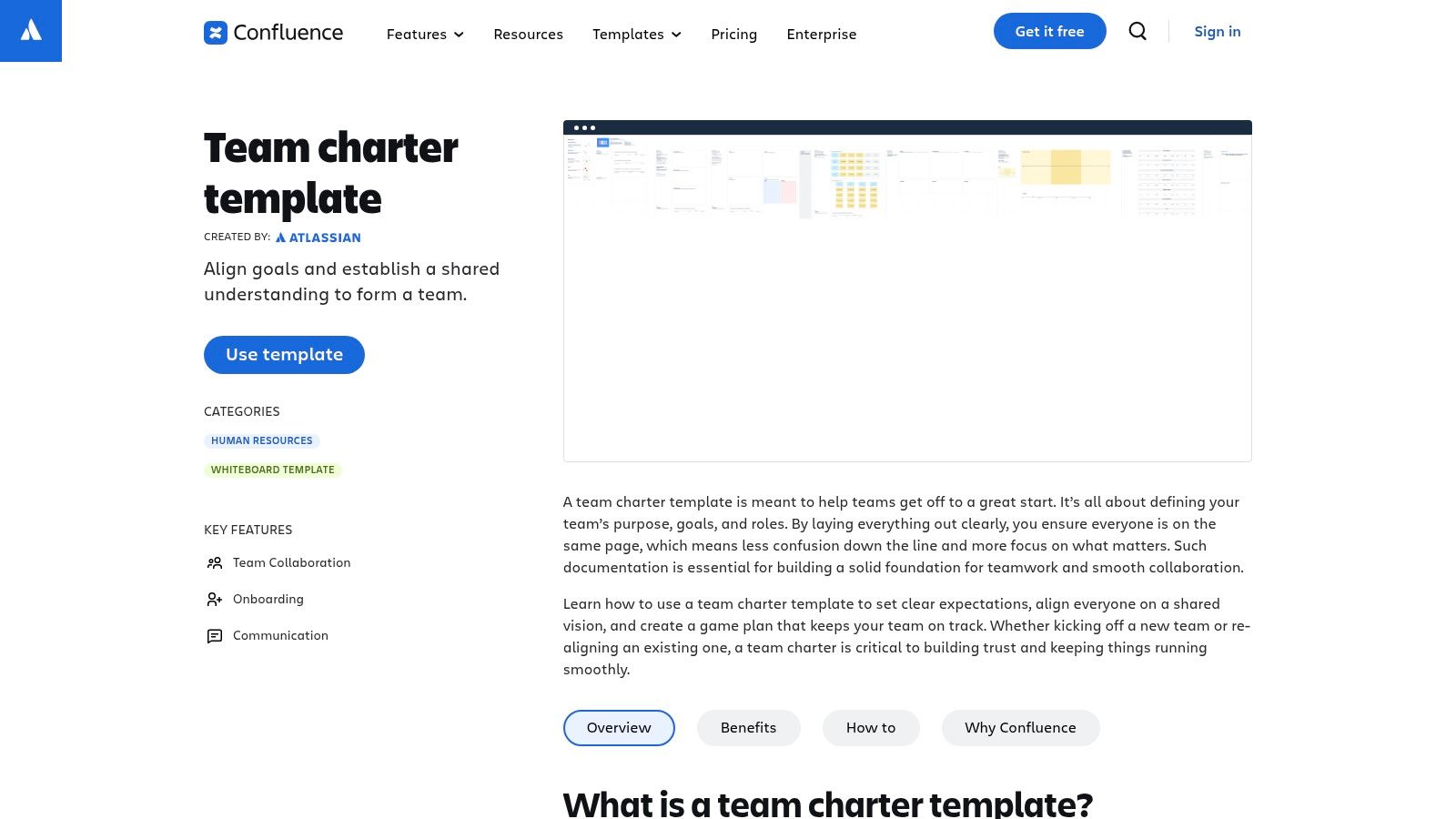
For teams already embedded in the Atlassian ecosystem, Confluence provides a powerful, integrated solution for creating and maintaining team charters. Instead of a standalone file, the charter becomes a living document within a collaborative workspace. It functions as a centralised source of truth, directly linked to the projects, tasks, and documentation your team works with daily in tools like Jira. This integration ensures the charter remains visible and relevant.
The platform offers a ready-to-use team charter template that guides teams through defining their mission, roles, responsibilities, and ground rules. This structure helps organise critical conversations and documents the outcomes in a searchable, shareable format. Because it lives in Confluence, the charter benefits from features like version history, comments, and @-mentions, fostering ongoing dialogue and adaptation.
Why It's a Top Choice
Confluence excels at transforming the team charter from a one-off document into an active, operational guide. The ability to cross-link the charter to specific projects, team members’ profiles, and relevant documents makes it a practical tool rather than a forgotten file. For example, a software development team can link their "communication protocols" section directly to their daily stand-up meeting notes and their "roles and responsibilities" section to specific Jira epics.
Key Benefit: Confluence embeds the team charter directly into a team's workflow, making it a searchable, linkable, and evolving resource that supports ongoing project execution.
Implementation and Access
- Access: A Confluence account is required. A free plan is available for up to 10 users, while paid plans offer advanced features and greater user capacity. The template is included in all versions.
- User Experience: The editor is a straightforward what-you-see-is-what-you-get (WYSIWYG) interface, making it easy for anyone to contribute without technical expertise.
- Best For: Teams already using Jira and Confluence, organisations that prioritise integrated documentation, and projects requiring a clear, accessible charter linked to daily tasks.
Website: Atlassian Confluence Team Charter Template
4. Notion
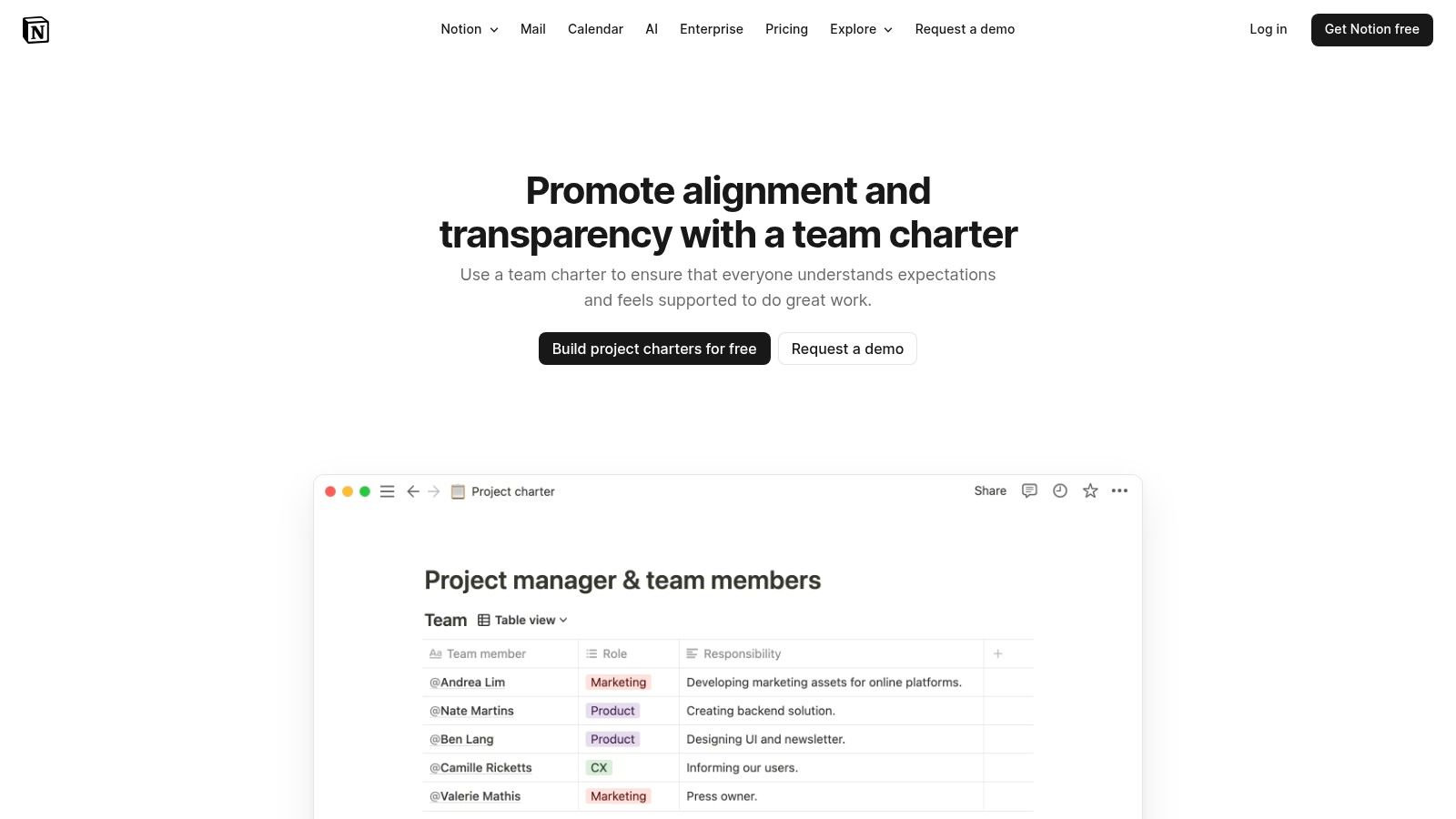
Notion is a highly flexible all-in-one workspace, making it a powerful platform for building a team charter from the ground up. Instead of a fixed template, Notion provides a toolkit of "building blocks" like pages, databases, and checklists. This allows teams to create a truly bespoke charter that can be integrated directly with their project plans, meeting notes, and knowledge bases, establishing a single source of truth.
The platform's strength is its customisability. While Notion offers examples and guidance, the process encourages teams to collaboratively build their charter section by section. This method ensures that the final document is not just a form to fill out but a deeply considered framework that lives alongside the team's daily work, making it a dynamic and relevant resource.
Why It's a Top Choice
Notion is perfect for teams that want to own their documentation and create a central hub for all team-related information. The ability to embed databases, link to project timelines, and assign tasks directly within the charter document makes it exceptionally practical. A marketing team in either the U.S. or Canada, for instance, could build a charter that links their defined success metrics to a live database of campaign performance KPIs, making the charter an active dashboard.
Key Benefit: Notion allows you to build a living team charter that is deeply integrated with your team's everyday workflows, project documents, and knowledge base.
Implementation and Access
- Access: Notion has a free plan for personal use, which can work for small teams. Team and Business plans offer more advanced collaboration features, sharing permissions, and administrative tools.
- User Experience: The learning curve can be steeper than with one-click templates, but its block-based editor is powerful once mastered. Its clean interface makes viewing and commenting easy for all stakeholders.
- Best For: Tech-savvy teams, teams already using Notion as their primary workspace, and those who want maximum customisation.
Website: Notion Team Charter Use Case
5. Lucid (Lucidchart / Lucidspark)
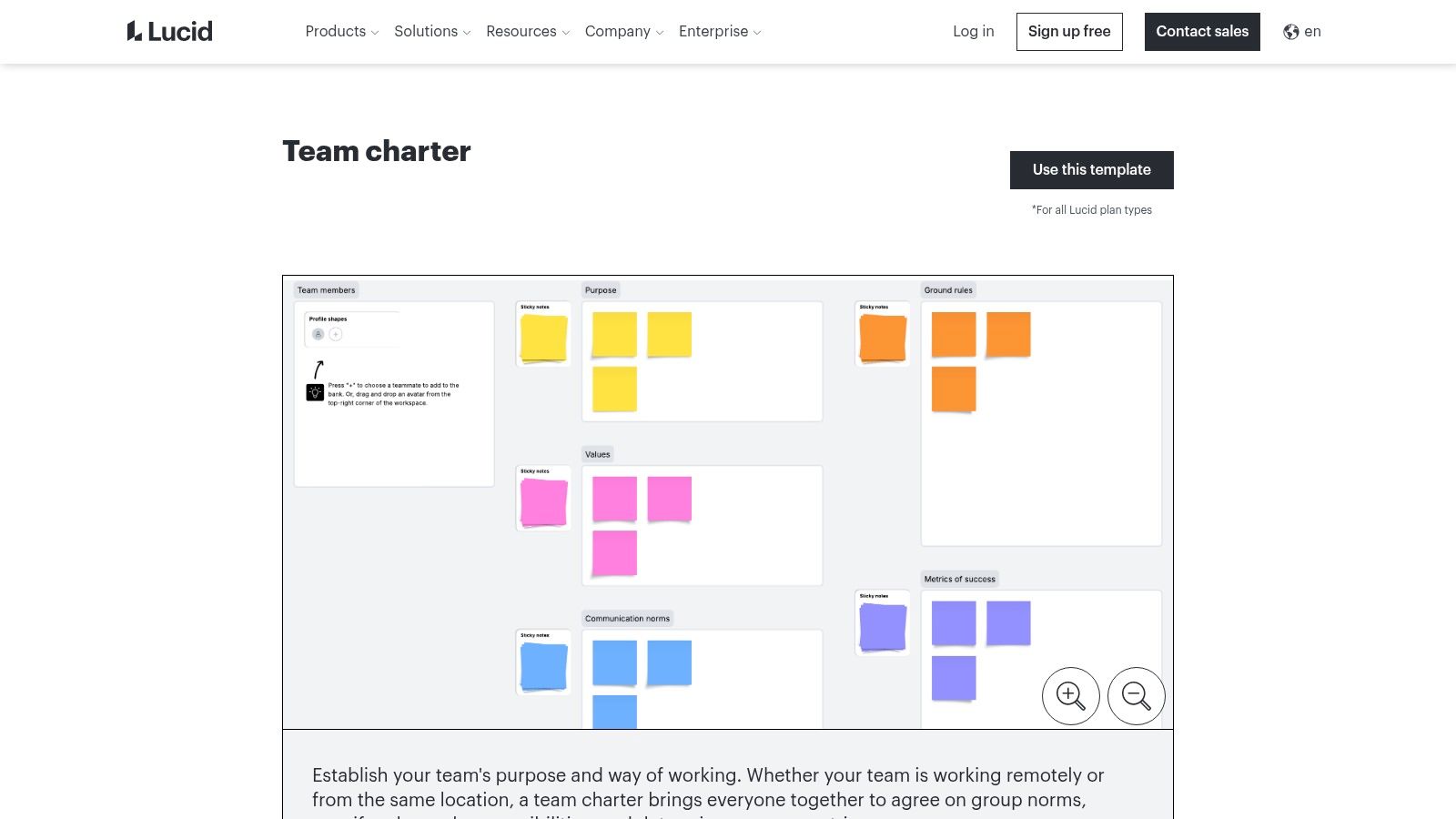
Lucid offers a powerful one-two punch for team charter creation with its dual platforms, Lucidchart for structured diagramming and Lucidspark for freeform whiteboarding. This makes it an adaptable choice for teams who may need either a formal, organised document or a dynamic, creative canvas. Whether you prefer a structured flowchart-style charter or a collaborative mind map, Lucid’s suite provides the tools to build it effectively.
The platform’s template library includes several team charter templates designed for various needs, from simple project kickoffs to more comprehensive team alignment exercises. Teams can start with a pre-built framework and leverage Lucid's extensive shape libraries and formatting tools to create a polished, professional-looking charter that clearly outlines their purpose and processes.
Why It's a Top Choice
Lucid excels for teams that value both structure and creative collaboration. Its ability to switch between the organised environment of Lucidchart and the flexible space of Lucidspark allows teams to choose the mode that best suits their working style. This versatility ensures the final team charter is not only comprehensive but also a true representation of the team's collaborative spirit and workflow.
Key Benefit: Lucid provides a versatile, dual-platform approach, allowing teams to create either highly structured or creatively fluid team charter templates to match their specific needs.
Implementation and Access
- Access: A free Lucid account provides access to basic templates and features. Advanced functionalities, such as revision history and premium templates, are available with paid subscriptions.
- User Experience: Both interfaces are clean and user-friendly, with Lucidchart being more structured and Lucidspark offering a more intuitive, drag-and-drop whiteboard experience.
- Best For: Teams that need both formal documentation and creative brainstorming tools, as well as organisations already using the Lucid suite for other diagramming or collaboration tasks.
Website: Lucid Team Charter Templates
6. Mural
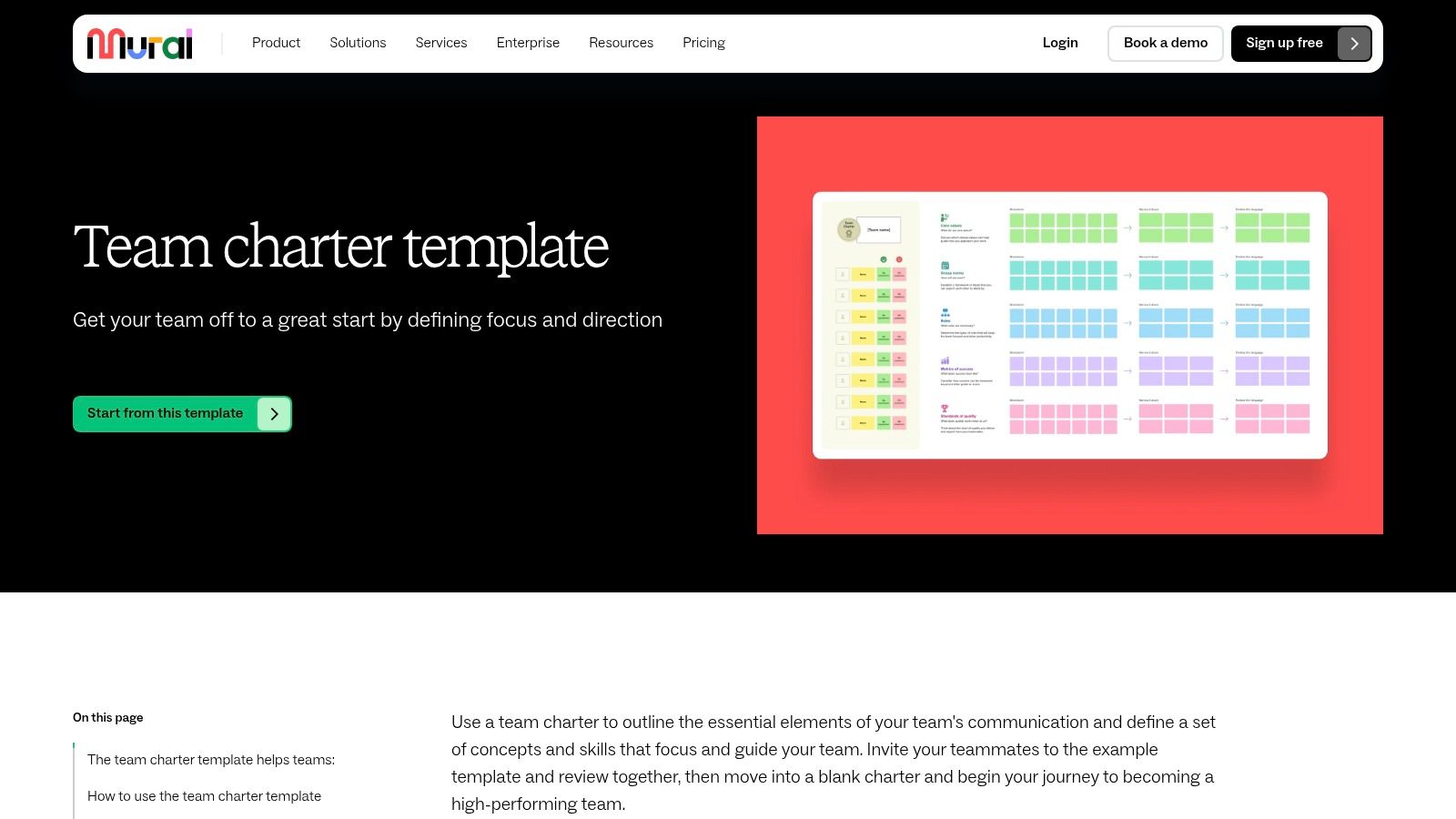
Mural is a digital workspace designed for visual collaboration, positioning itself as a strong choice for creating detailed and highly structured team charter templates. Like other whiteboard tools, it provides a digital canvas experience, but it shines particularly in its facilitation-focused features. Mural's templates are often designed as step-by-step workshops, guiding teams through the charter creation process with built-in instructions, timers, and collaborative tools.
This guided approach ensures that every essential component of a team charter is discussed, from roles and responsibilities to communication norms and goals. The platform is optimised for remote and distributed teams, providing an inclusive environment where all members can contribute equally using interactive elements like sticky notes, voting sessions, and private modes for brainstorming.
Why It's a Top Choice
Mural is ideal for facilitators who want to run a structured, engaging workshop without having to build the framework from scratch. The pre-built instructions within its team charter templates remove ambiguity and help keep the session on track, which is especially valuable for newly-formed or remote teams. The focus on alignment and accountability helps create a charter that is not just a document, but a true team agreement.
Key Benefit: Mural excels at transforming the team charter process into a facilitated, step-by-step workshop, making it highly effective for remote and hybrid teams needing clear structure.
Implementation and Access
- Access: Using and saving templates requires a Mural account. A free plan is available, but it comes with limitations on the number of murals and access to advanced facilitator features, which are reserved for paid plans.
- User Experience: The platform is user-friendly, with intuitive tools that encourage participation. Facilitator-specific controls, such as summoning participants and locking content, provide excellent session management.
- Best For: Remote or distributed teams, professional facilitators, and organisations looking for structured, workshop-style collaboration templates.
Website: Mural Team Charter Templates
7. FigJam (Figma)
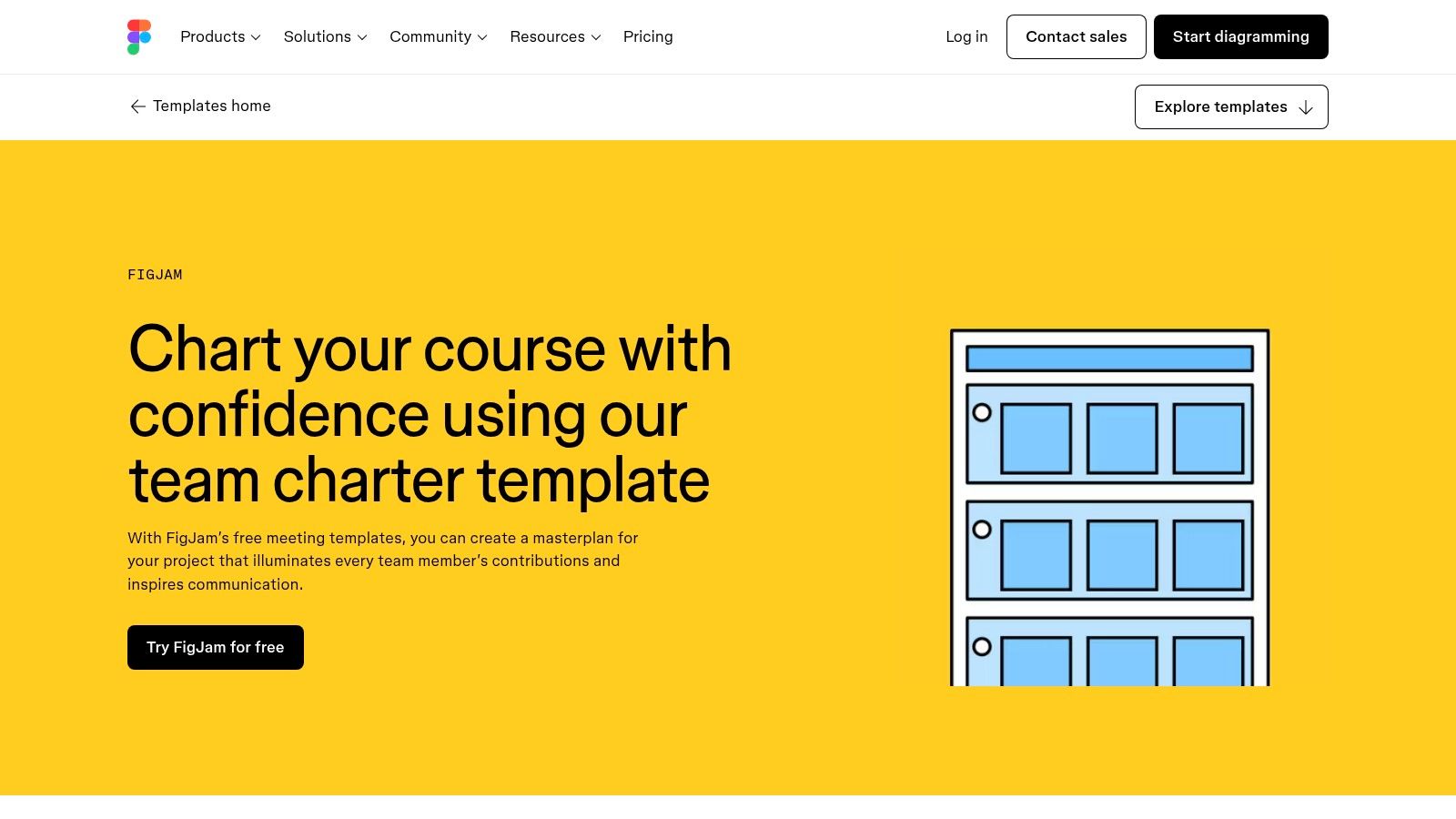
FigJam, Figma's online whiteboard, offers a lightweight and highly interactive space for creating team charter templates. Already a staple in the toolkit of design and product teams, its familiarity makes it a natural choice for cross-functional groups looking to map out their mission, roles, and milestones collaboratively. FigJam excels at turning the chartering process into a live, engaging workshop.
The platform provides a more streamlined, focused experience compared to more feature-heavy platforms. It shines with its collection of community-generated templates and widgets, allowing teams to quickly find a starting point and customise it with interactive elements like digital sticky notes, stamps, and connectors. This is perfect for teams who want to build their charter in the same environment where their design work happens.
Why It's a Top Choice
FigJam is the ideal solution for fast-moving product, design, and engineering teams that are already embedded in the Figma ecosystem. Its seamless integration with Figma design files allows for a unified workflow, where the team’s guiding principles can live alongside the project itself. This colocation helps keep the charter top-of-mind and relevant to the team's daily tasks, reinforcing alignment and a shared sense of purpose.
Key Benefit: FigJam provides a fast, familiar, and fun environment for tech and design-centric teams, integrating the team charter directly into their existing creative workflow.
Implementation and Access
- Access: FigJam offers a generous free plan that includes unlimited files and collaborators, making it highly accessible. Paid plans unlock additional features like advanced collaboration tools and private projects.
- User Experience: The interface is clean, intuitive, and built for speed, encouraging participation from all team members regardless of their technical skill level.
- Best For: Product and design teams, agile development squads, and any organisation that already uses Figma for its core design work.
Website: FigJam Team Charter Templates
8. ClickUp
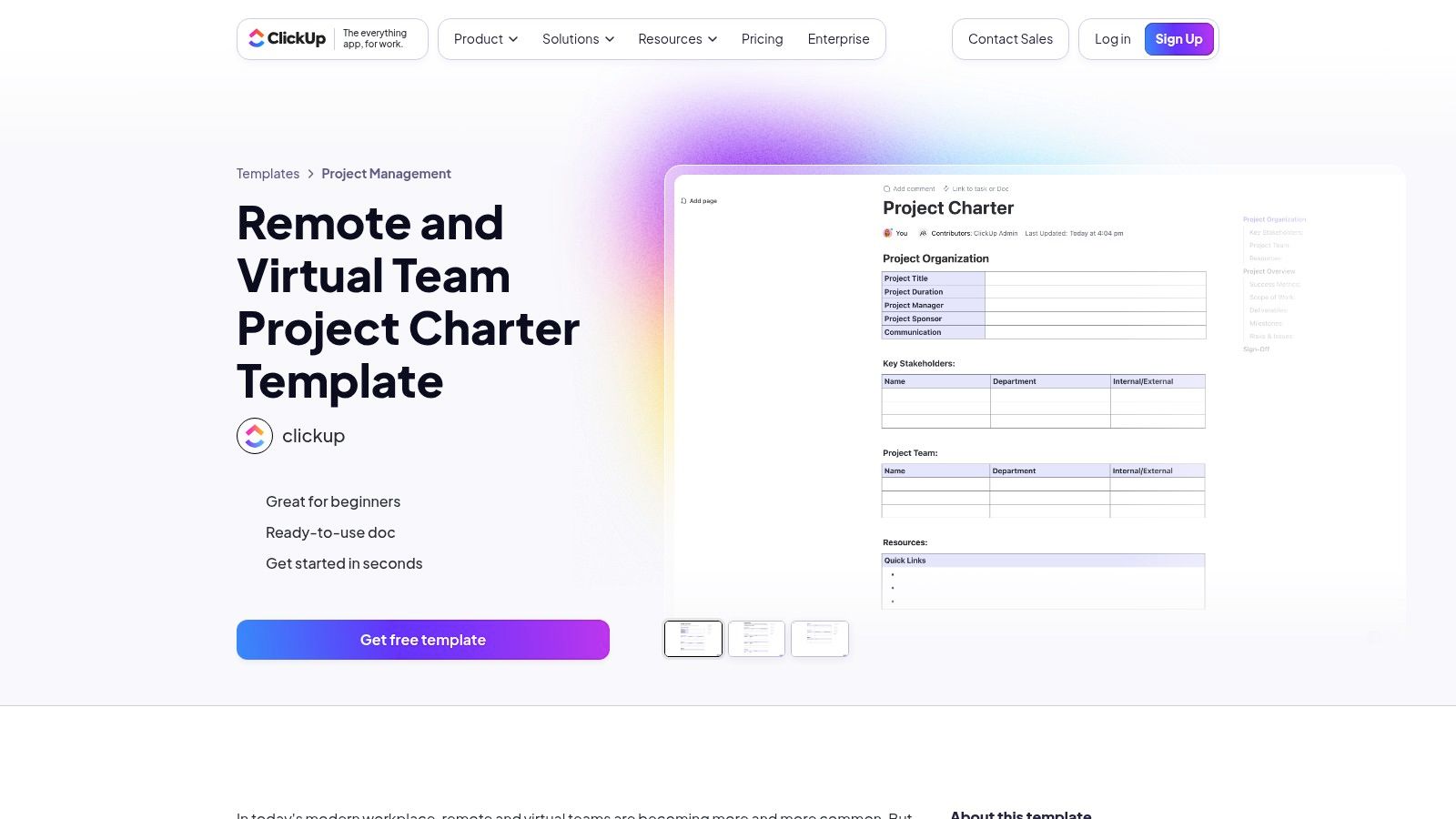
ClickUp excels as an all-in-one productivity platform, integrating project management with documentation. It offers a structured project charter template specifically designed for remote and virtual teams, which can be easily adapted into a comprehensive team charter. Its unique advantage is the ability to transform the charter from a static document into an actionable plan directly within your workspace, bridging the gap between planning and execution.
The template imports directly into your ClickUp environment, allowing you to connect charter elements to different project views like Gantt charts, Kanban boards, and timelines. This makes the charter a living document, where goals and responsibilities can be converted into assignable tasks with deadlines, ensuring the team's founding principles are woven into daily operations.
Why It's a Top Choice
ClickUp is the ideal choice for teams that already manage their work within the platform or are looking for a single tool to handle both planning and execution. The ability to link charter commitments directly to tasks provides a clear line of sight from high-level agreements to daily work, promoting accountability. This is particularly valuable for distributed teams that rely on robust tools for managing their projects effectively.
Key Benefit: ClickUp makes your team charter immediately actionable by integrating it with powerful project management features, turning principles into trackable tasks.
Implementation and Access
- Access: The template can be imported into any ClickUp workspace, including the free plan. However, fully leveraging its features is best experienced within a team workspace.
- User Experience: While powerful, the interface can have a steeper learning curve for new users due to its extensive feature set. The template itself is straightforward to populate.
- Best For: Teams already using ClickUp, project-based teams, and remote or hybrid teams that need to connect their charter directly to workflows and tasks.
Website: ClickUp Project Charter Template
9. ProjectManager
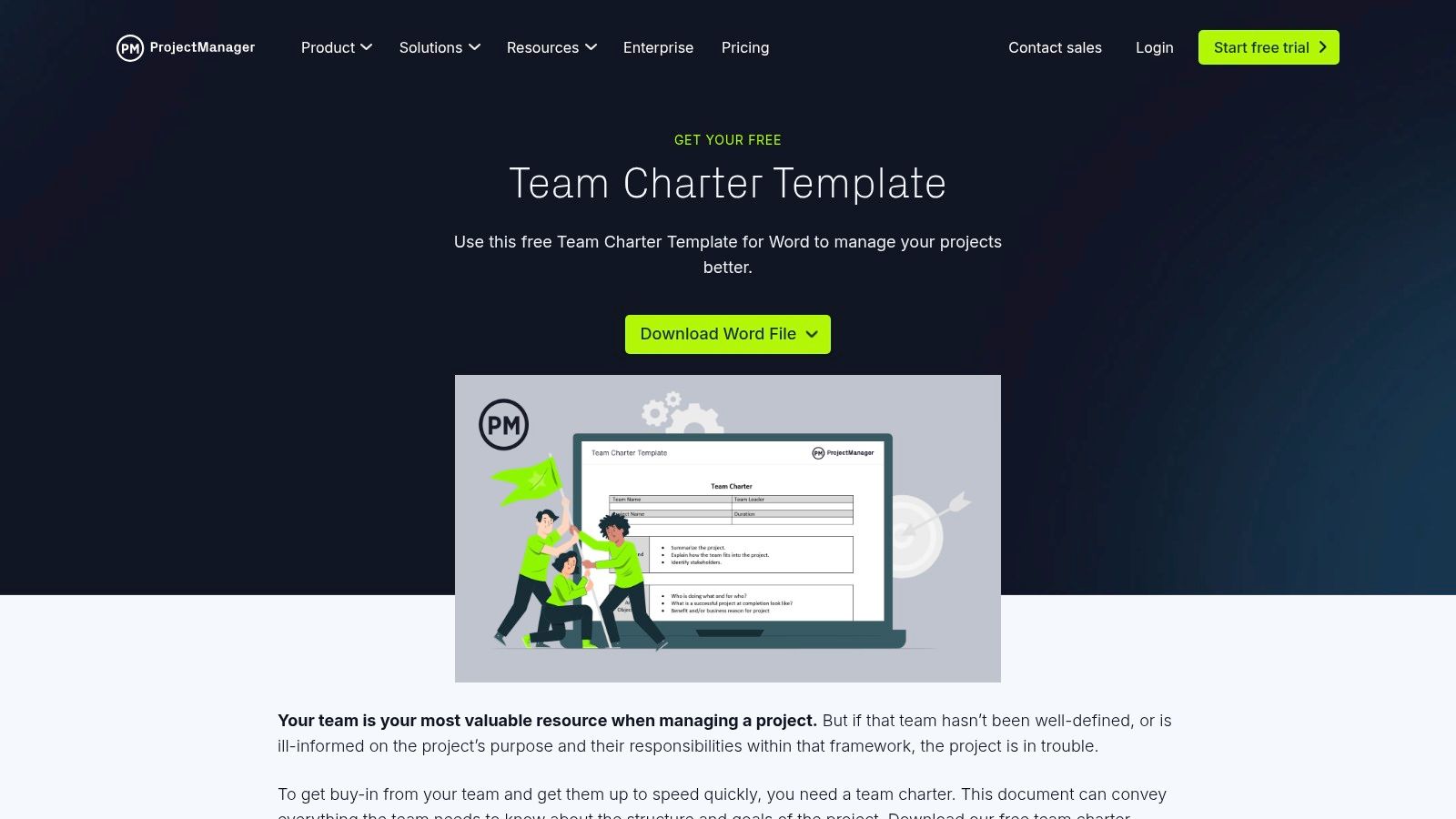
For teams that require a more traditional, document-based approach, ProjectManager offers a free and straightforward team charter template in Microsoft Word format. This resource is perfect for organisations where formal documentation, version control, and physical signatures are standard practice. The template is structured logically, covering essential areas like the project background, mission, budget, roles, and operational guidelines in a clear, linear fashion.
It provides a solid, print-friendly framework that can be easily converted to a PDF for official record-keeping. The download also includes valuable explanations for each section, guiding teams through the process of articulating their purpose and scope effectively. This makes it an accessible starting point for those less familiar with creating team charter templates.
Why It's a Top Choice
ProjectManager is an excellent choice for teams in regulated industries or corporate environments that prioritise formal documentation over live digital whiteboards. The template’s strength is its simplicity and universal accessibility, as nearly every organisation uses Microsoft Word. This removes the barrier of learning a new tool and allows teams to focus entirely on the content of their charter.
Key Benefit: ProjectManager delivers a no-frills, downloadable document that is ideal for formalising team agreements and creating an official record for project governance.
Implementation and Access
- Access: The template is completely free to download directly from the website as a .docx file, with no account registration or sign-up required.
- User Experience: As a standard Word document, the user experience is familiar to most professionals. Collaboration is static, requiring the file to be shared via email or a cloud service like SharePoint or Google Drive.
- Best For: Project-based teams, organisations with formal documentation requirements, and teams that prefer a simple, offline-editable document.
Website: ProjectManager Team Charter Template
10. Template.net
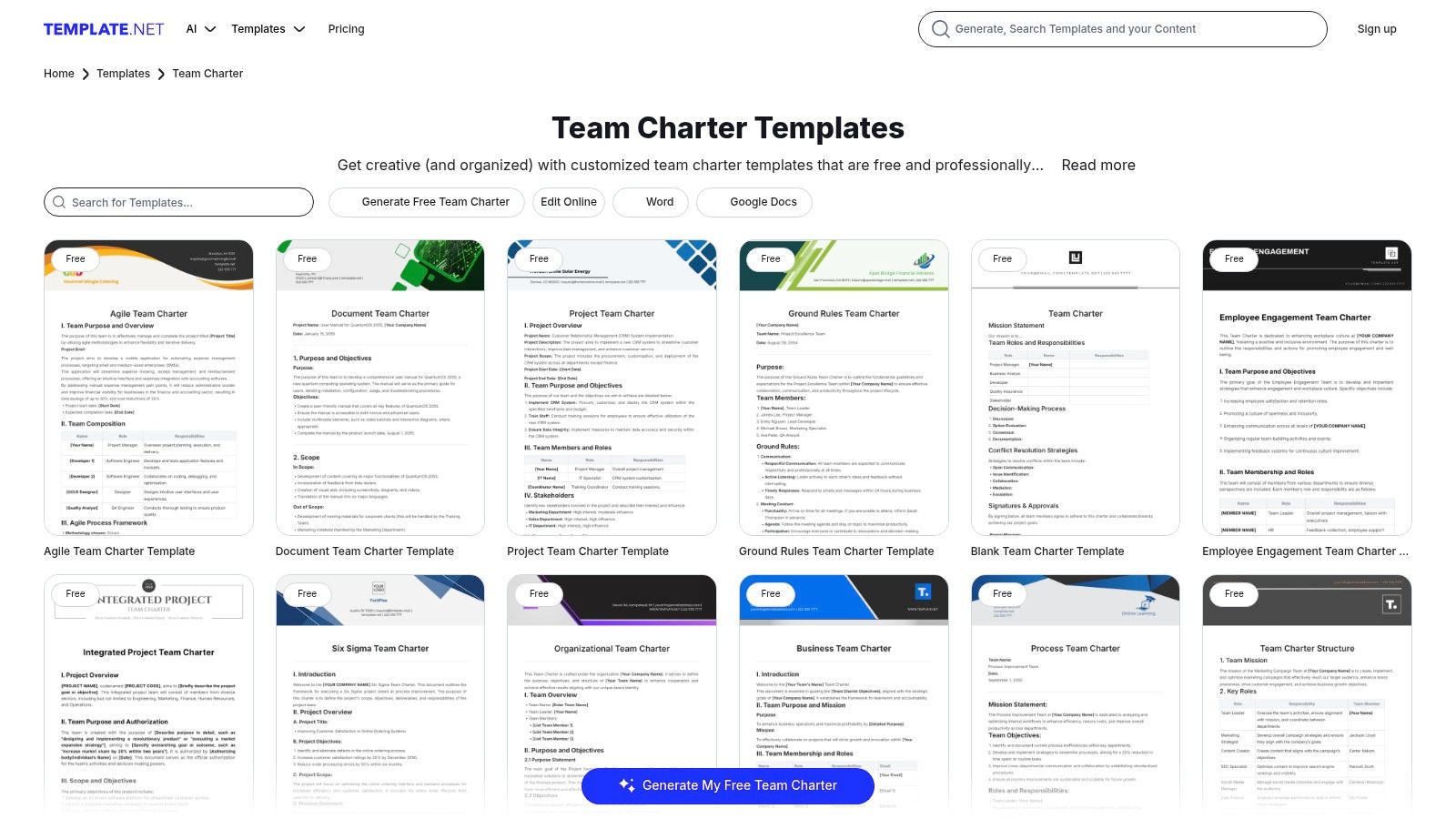
Template.net serves as a massive repository for a wide variety of business documents, including a substantial collection of team charter templates. Its primary appeal is the sheer volume and diversity of options available, catering to highly specific needs such as Agile development, Six Sigma projects, and even student team charters. Users can find professionally designed templates ready for immediate download in multiple formats.
The platform provides templates compatible with Microsoft Word, Google Docs, and PDF, making them accessible to virtually any team regardless of their software preferences. Many templates can be edited directly online using Template.net's built-in editor, which allows for quick customisation of text, colours, and logos before downloading the final document.
Why It's a Top Choice
For teams needing a specific, pre-formatted charter without the time to design one from scratch, Template.net is an invaluable time-saver. The ready-made layouts are a significant advantage for managers and facilitators who are not design-savvy but still need to produce a polished, professional-looking document. This allows them to focus more on the content and facilitation of the chartering session itself.
Key Benefit: Template.net offers an extensive library of downloadable and editable team charter templates for niche use cases, streamlining the creation process for teams with specific framework requirements.
Implementation and Access
- Access: Many templates are free to download after creating a free account. However, access to the full premium library and advanced editing features requires a paid subscription.
- User Experience: The website is straightforward to navigate. Users can search for specific types of charters and filter by format, although the sheer number of options can sometimes feel overwhelming.
- Best For: Teams looking for traditional document-based charters, especially those needing specific formats for project management methodologies like Agile or Six Sigma.
Website: Template.net Team Charter
11. Xero
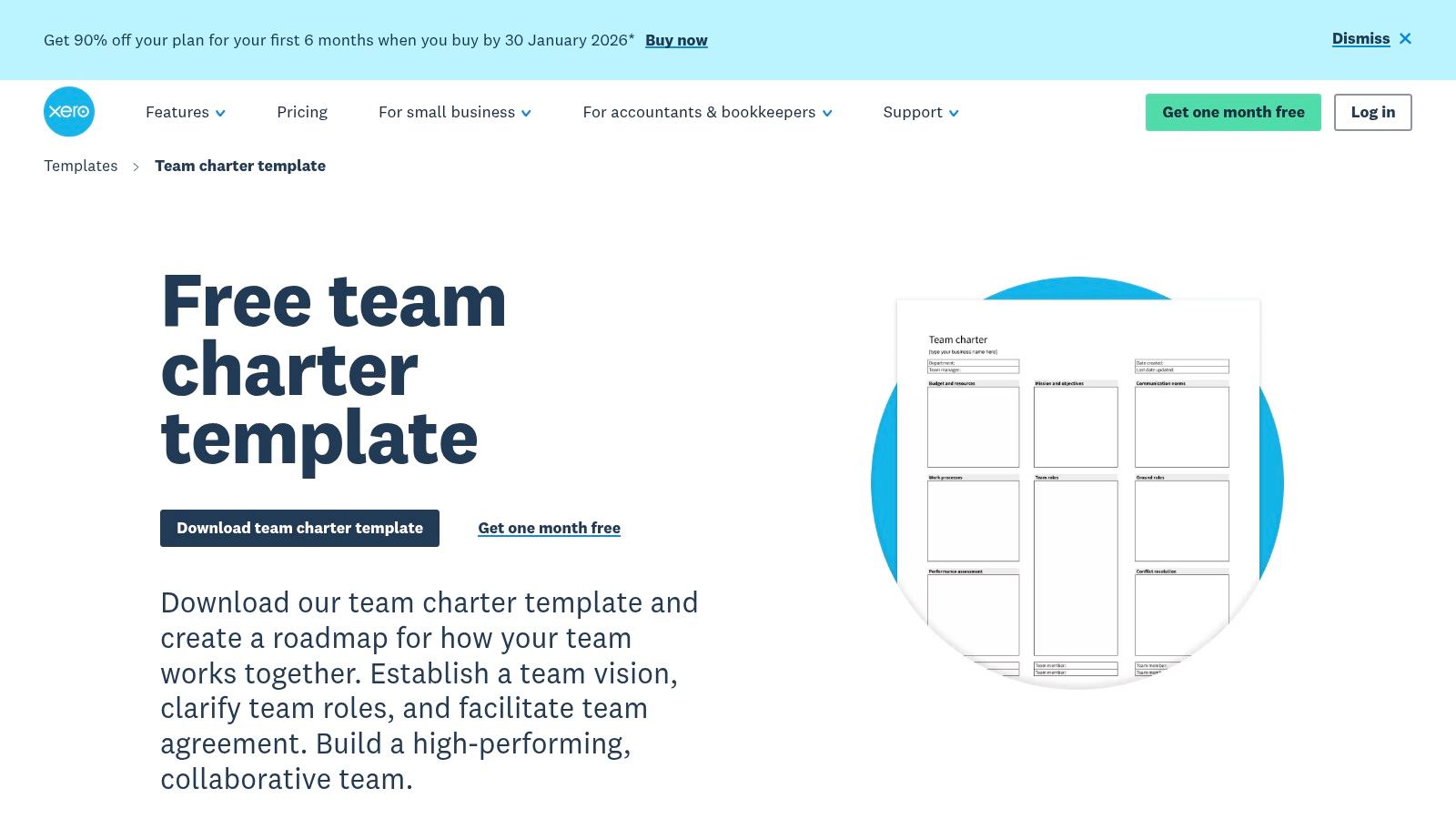
Xero, a platform primarily known for accounting software, offers a surprisingly practical and free team charter template aimed at small businesses. It provides a structured, fillable PDF document that covers the fundamental components of a team agreement, including mission, roles, processes, and performance metrics. The emphasis is on creating a formal, accountable document that can be easily printed and stored.
This approach is perfect for teams that prefer a traditional, tangible record of their commitments. The clear sections guide new teams through the process of defining their purpose and operational ground rules in a straightforward manner.
Why It's a Top Choice
Xero's template is excellent for organisations that value formality and accountability. The dedicated signature section at the end transforms the charter from a simple guide into a formal agreement, encouraging team members to take their commitments seriously. For small businesses establishing foundational processes, this simple PDF can be an effective tool for setting clear expectations from the outset.
Key Benefit: The fillable PDF format with a signature area makes it easy to create a formal, signed agreement, promoting accountability and clarity for small teams.
Implementation and Access
- Access: The template is free to download after submitting your name and email address via a short form on the Xero website.
- User Experience: As a standard fillable PDF, it is universally accessible and easy to use. Users can type directly into the fields and save or print the document.
- Best For: Small businesses, new teams requiring a formal agreement, and organisations that prefer physical, signed documents over digital collaborative boards.
Website: Xero Team Charter Template
12. Etsy
For teams seeking a more stylised or visually distinct document without the need for a collaborative platform, Etsy emerges as an unconventional but valuable resource. The marketplace is home to countless independent creators selling low-cost, downloadable team and project charter templates. These are typically offered as editable Word documents or PDFs, providing a quick and affordable way to acquire a professionally designed layout that can be customised.
The primary appeal of Etsy lies in its vast aesthetic variety. You can find everything from minimalist and corporate designs to more creative and colourful layouts, allowing you to choose a template that visually aligns with your team's or company's branding. While many listings focus on project charters, they are easily adaptable for team-centric purposes, and seller ratings provide a helpful quality check before purchasing.
Why It's a Top Choice
Etsy is the perfect solution when speed, affordability, and a polished final look are the main priorities. Instead of starting from a blank page or a standard corporate template, you can purchase a presentation-ready design for just a few dollars. This approach is ideal for leaders who need to present the charter to stakeholders or want a document that feels more formal and established from the outset.
Key Benefit: Etsy provides instant access to a wide range of professionally designed, affordable templates that can be quickly filled out and deployed, saving time on document formatting.
Implementation and Access
- Access: Templates are purchased from individual sellers for a small one-time fee. After purchase, you receive an instant digital download link, typically for a Microsoft Word or PDF file.
- User Experience: The process is straightforward: browse, purchase, and download. The quality and structure of the templates can vary significantly between sellers, so reading reviews is crucial.
- Best For: Teams wanting a visually appealing, print-ready document, managers looking for an affordable and fast solution, and those who prefer working in traditional document editors like Word.
Website: Etsy Project Charter Template
Top 12 Team Charter Template Comparison
| Tool | ✨ Core features | ★ UX / Quality | 💰 Value / Pricing | 👥 Target audience | 🏆 USP |
|---|---|---|---|---|---|
| Miro | ✨ Interactive whiteboards, one‑click templates, real‑time editing, integrations | ★★★★ Fast facilitation; rich community examples | 💰 Freemium → paid for advanced collaboration | 👥 Remote teams, facilitators, Ops leaders | 🏆 Best for visual, live workshops |
| Smartsheet | ✨ Downloadable Word/Excel/PDF/Google templates, industry variants | ★★★ Static but clear structure & prompts | 💰 Free downloads; Smartsheet paid for platform | 👥 PMs, regulated teams, offline users | 🏆 Best for offline/editable, industry‑specific charters |
| Atlassian Confluence | ✨ Living page template, collaborative edits, cross‑linking to projects | ★★★★ Searchable, versioned wiki experience | 💰 Included in Confluence (paid orgs) | 👥 Engineering, project owners, orgs using Atlassian | 🏆 Best for charters inside a living company wiki |
| Notion | ✨ Flexible blocks, databases, checklists, bundled docs | ★★★★ Highly customizable single source of truth | 💰 Freemium; paid for advanced features | 👥 Cross‑functional teams, PeopleOps, knowledge teams | 🏆 Best for flexible, all‑in‑one team workspace |
| Lucid (Chart/Spark) | ✨ Diagramming + whiteboarding, template library, versioning | ★★★★ Strong visualization & diagram workflows | 💰 Freemium; higher tiers for advanced features | 👥 Visual thinkers, design/ops teams | 🏆 Best for diagram‑centric charters and visuals |
| Mural | ✨ Facilitation playbooks, sticky notes, voting, timers | ★★★★ Structured facilitation for remote workshops | 💰 Requires account; paid tiers for advanced tools | 👥 Facilitators, distributed teams, coaches | 🏆 Best for guided, workshop‑ready facilitation |
| FigJam (Figma) | ✨ Live multiplayer, community templates, interactive widgets | ★★★★ Lightweight, fast collaborative canvas | 💰 Free tier; paid for team features | 👥 Design/product teams, cross‑functional squads | 🏆 Best for design‑integrated, rapid sessions |
| ClickUp | ✨ Template import, Timeline/Kanban/Gantt views, assignable tasks | ★★★★ Actionable — charter → work items | 💰 Free signup; paid plans for scale | 👥 Teams managing work in ClickUp, PMs | 🏆 Best for turning charter into execution |
| ProjectManager | ✨ Print‑friendly Word .docx template, examples for each section | ★★★ Good for formal, regulated documentation | 💰 Free download; PM platform paid separately | 👥 Regulated orgs, SMBs needing traditional docs | 🏆 Best for formal, printable team charters |
| Template.net | ✨ Large catalog, online editor, branding customization, many formats | ★★★ Variable quality across templates | 💰 Mix free & premium; subscription for full access | 👥 Non‑designers needing quick variants | 🏆 Best for wide selection & quick branding |
| Xero | ✨ Fillable PDF, step‑by‑step guidance, signature area | ★★★ Simple, print/distribute friendly | 💰 Free after short download form | 👥 Small businesses, admin teams | 🏆 Best for accountable printable charters with signatures |
| Etsy | ✨ Instant digital downloads (Word/PDF), varied aesthetics, seller reviews | ★★★ Affordable & designer‑led but variable quality | 💰 Low‑cost one‑off purchases | 👥 Teams wanting inexpensive branded designs | 🏆 Best for cheap, presentation‑ready templates |
From Document to Dashboard: Activating Your Team Charter with Cultural Intelligence
We've explored a comprehensive landscape of team charter templates, from dynamic whiteboards in Miro and Mural to structured project management hubs in Smartsheet and ClickUp. Each tool offers a unique starting point, whether you're organising a new leadership team, defining roles for a specific project, or establishing norms for a remote-first workforce. The key takeaway is that the perfect template is less about a specific format and more about finding a framework that catalyses the right conversations for your team's unique context.
Selecting from the diverse team charter templates we've covered is a pivotal first step. A project-based team might gravitate towards the task-oriented structure of Atlassian Confluence, while a creative team could find FigJam's freeform nature more conducive to brainstorming their core values. The true challenge, however, isn't in the creation but in the continuation. A team charter that is drafted and then filed away in a shared drive becomes a relic, not a rudder. Its principles fade, and the initial alignment it created slowly erodes under the pressure of daily work.
Beyond the Static Document: The Living Charter
The most effective charters are living documents, continuously validated against the team's lived experience. This is where the process must evolve from a one-time administrative task into an ongoing strategic practice. How do you know if the conflict resolution process you defined is actually effective, or if the communication norms you agreed upon are fostering psychological safety? Infrequent, high-effort employee surveys provide a delayed snapshot, but they often miss the nuanced, day-to-day realities of team dynamics.
This is the critical gap where business intelligence provides a transformative advantage. Instead of guessing, you can measure. By leveraging a platform that provides continuous, anonymous feedback gathered from the digital spaces where work happens, you gain real-time cultural intelligence. This allows leaders to see whether the behaviours and values outlined in the charter are truly being practised.
For instance, your charter might state a commitment to "transparent decision-making." A traditional HR survey tool might ask employees to rate this on a scale of one to five six months later. In contrast, a business intelligence tool like Wurkn can analyse anonymised communication patterns and sentiment from platforms like Slack or Microsoft Teams, revealing in real-time if discussions reflect confusion or clarity around key decisions. This immediate feedback loop transforms the charter from a static artifact into a dynamic, data-informed guide.
Connecting Culture to Performance
The ultimate goal of any team charter is to improve performance. This requires connecting the cultural aspirations defined in the document to tangible business outcomes. When you can correlate signals of high team cohesion with increased project velocity or link a drop in psychological safety to a rise in employee turnover, the charter's value becomes undeniable. As noted by organizational behaviour experts, aligning team principles with daily actions is fundamental to success (Bauer & Erdogan, 2010, Organizational Behavior).
This data-driven approach allows People Operations and COOs in Canada and the U.S. to move from reactive problem-solving to proactive cultural stewardship. Instead of waiting for an exit interview to learn about team friction, you can identify the early warning signs and intervene with targeted support. This elevates the team charter from a simple HR tool to a strategic asset that directly contributes to operational excellence and a healthier, more productive organisation. The template you choose is the starting line; activating it with continuous intelligence is how you win the race.
Ready to move your team charter from a static document to a dynamic driver of performance? Discover how Wurkn provides the real-time cultural intelligence to ensure your team's principles are put into practice, connecting culture to concrete business outcomes. Visit Wurkn to see how our business intelligence platform can activate your team’s potential.